
SaleQ runs the whole client conversion flow in the background so you don’t have to chase inquiries between sessions. Here’s what happens, end to end, from the moment a prospective client first reaches out to the moment their final payment lands.
1. An inquiry arrives — from anywhere
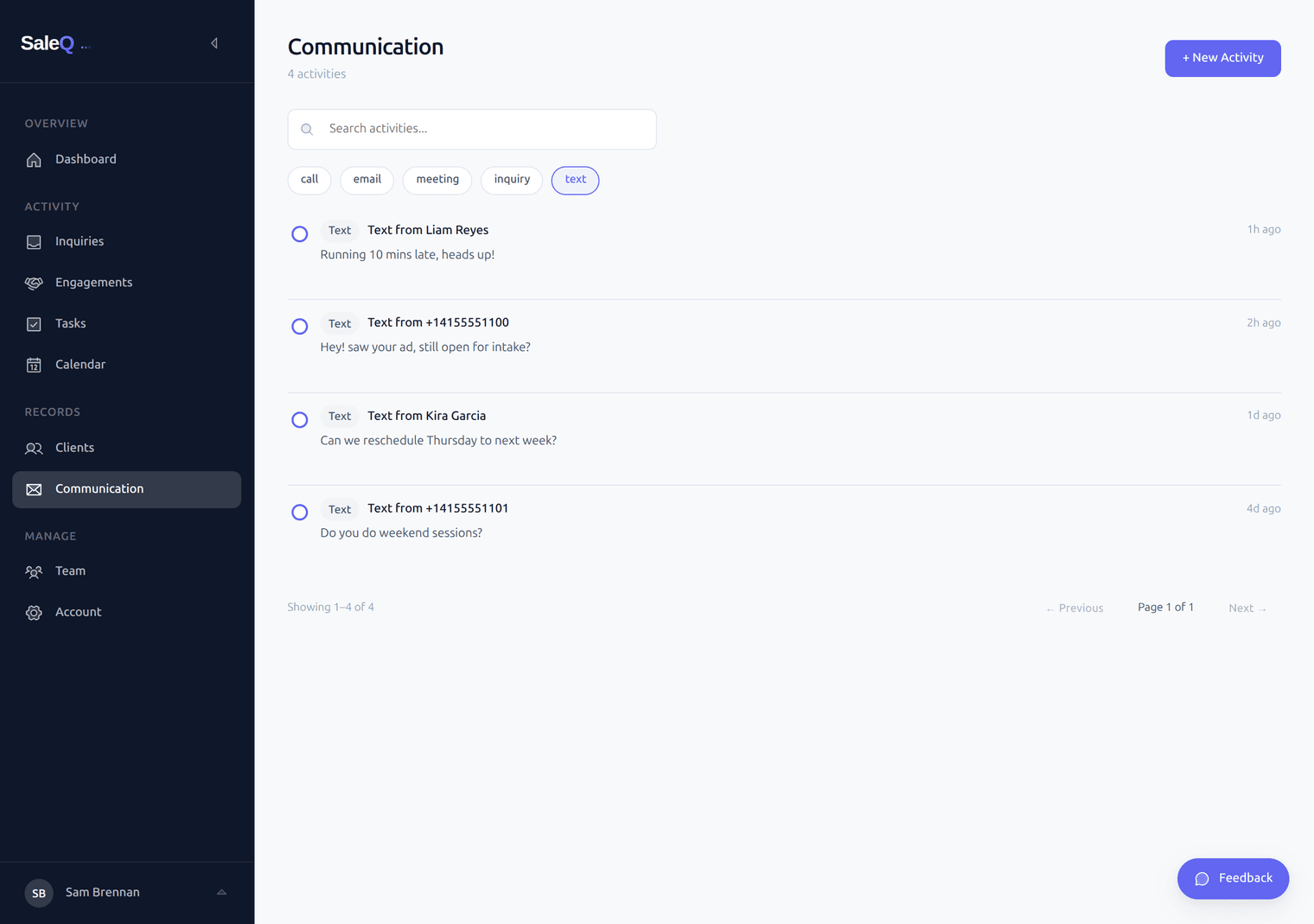
Inquiries come in through whatever channel makes sense for the client. SaleQ handles all of them in one place:
- Your inquiry form — share the link on your website, Psychology Today profile, Instagram bio, or email signature
- An SMS — sent to your dedicated SaleQ business phone line (a real US number, separate from your personal phone)
- A missed call — the call status flips to missed automatically and lands on the Inquiries page next to form submissions, ready for follow-up
- An email reply — paste in the message, and SaleQ logs it on the right client’s timeline
Whatever the channel, the inquiry shows up on the Inquiries page — a single place to triage everyone who reached out without a session already on the books.
2. SaleQ auto-replies with your booking link
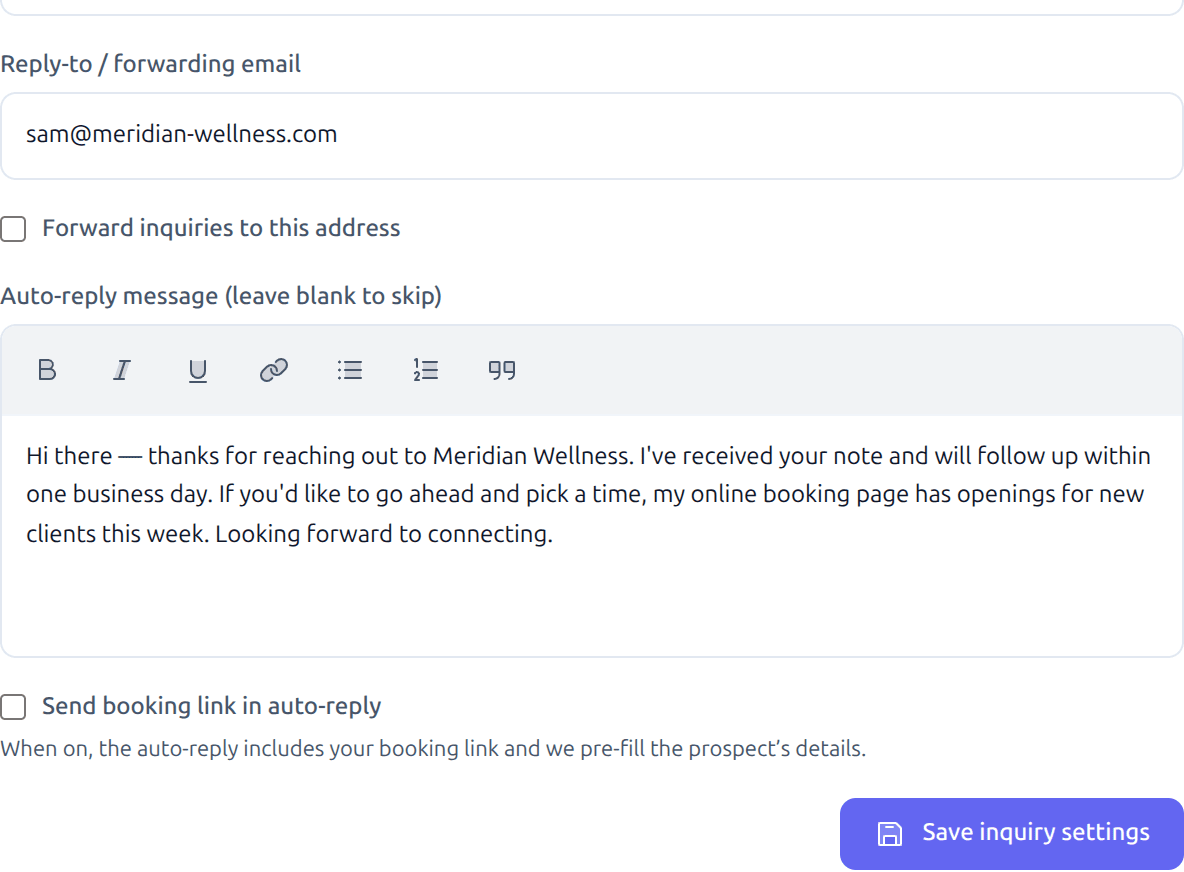
The instant an inquiry comes in, SaleQ replies for you — by SMS or email, in your voice, with your booking link included. The prospect doesn’t wait. You don’t have to drop what you’re doing to reply between clients.
You configure the message once, in plain language, and SaleQ uses it for every inquiry going forward.
3. Intake questions and a deposit — before the calendar
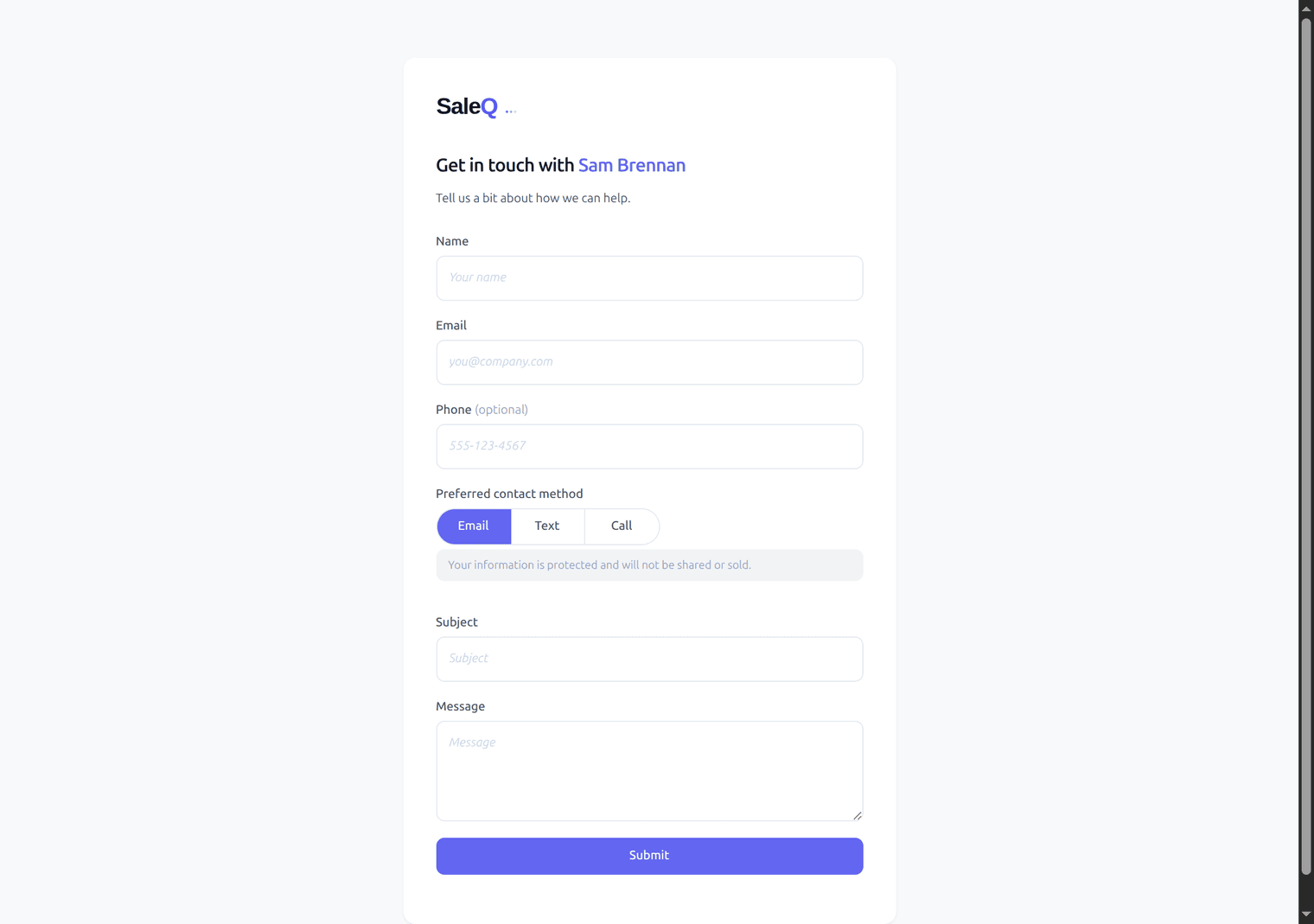
When the prospect clicks the booking link, they land on your intake form first. Custom questions — “what brings you in?”, “which service?” — filter out bad fits before they ever see your calendar. Tire-kickers self-select out.
If the service requires a deposit, the prospect pays via Stripe before the slot is held. No money, no booking. The slot stays open for someone else if they bail mid-checkout. Serious prospects book — the rest filter themselves out.
4. The session lands on your calendar
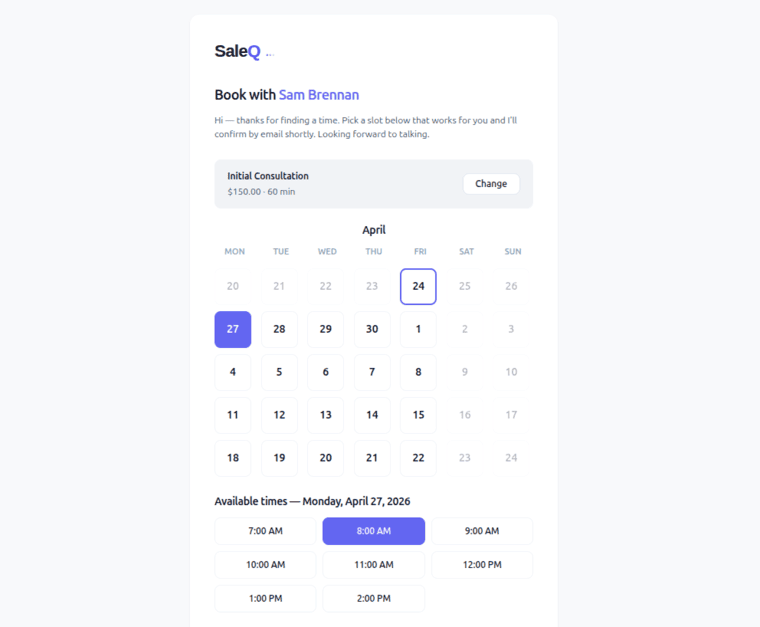
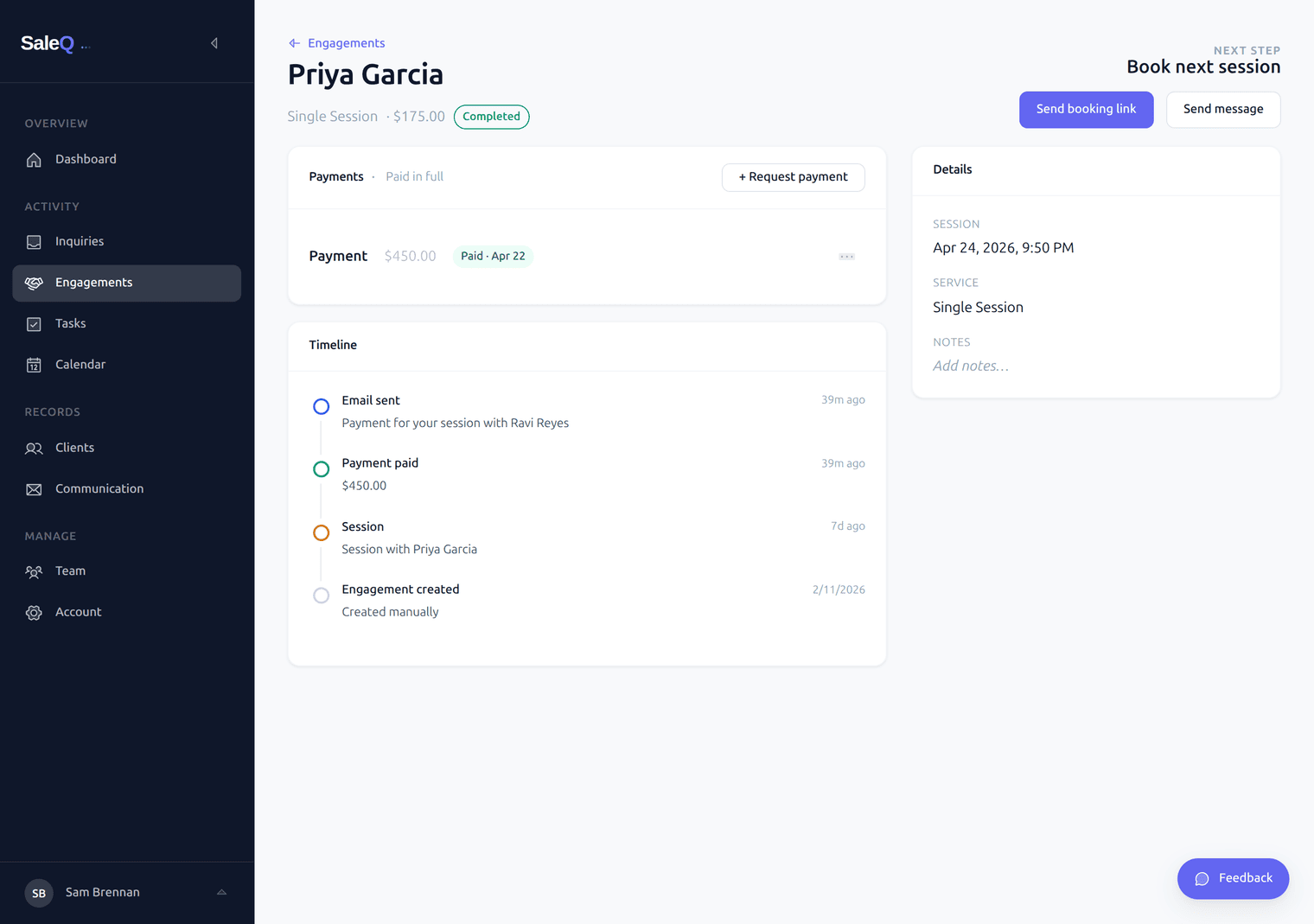
Qualified prospects pick a time from your live availability. The session is created in SaleQ as an Engagement — with the client’s contact info, the service they picked, the deposit they paid, and a timeline of what happens next. The meeting is also written to your Google Calendar automatically, so your existing appointments are always respected and there are no double-bookings.
5. Final payment fires automatically after the session
Once the session is in the past, a scheduled action wakes up and sends the client a Stripe payment link for the balance — automatically, in your voice, with reminders if they don’t pay right away. You don’t click “send invoice.” You don’t draft the message. You don’t chase.
When the payment lands, the engagement’s next-step prompt flips from “Awaiting payment” to “Book the next session.” Your dashboard updates. Your job is to show up to the next session, not to push rows across a Kanban board.
What you actually do
Once the auto-reply, intake form, and deposit are configured (a one-time setup), the day-to-day looks like this:
- Show up to the session — SaleQ has already booked it, collected the deposit, and put it on your calendar
- Triage the Inquiries page — a few minutes a day to approve right-fit inquiries (or decline the ones that aren’t a fit, or just to glance at the missed calls)
- Open the Communication inbox — to reply to anything personal that doesn’t need automation
- Watch the dashboard — inquiries this week, sessions on the calendar, payments collected, what’s outstanding
Everything else — the replies, the bookings, the deposits, the final payments, the calendar sync, the timeline updates — SaleQ does without you.
Built for solo practitioners
SaleQ is purpose-built for solo coaches and therapists who can’t check their phone mid-session. It assumes you’re the only person operating it, that your hands are full with a client right now, and that every minute spent on “business stuff” is a minute not spent on the work you actually trained for.
The product replaces Calendly + Stripe + a separate scheduling email + an intake-form tool — collapsed into one link your clients click. You stay in the session. SaleQ runs your front desk.